Tools and services
Guidance for using Slack, understanding Pulseway remote support, and choosing the correct VPN service.
Slack
Slack
Slack is our primary internal communication and collaboration platform. It organizes team conversations into dedicated channels, allowing us to share real-time updates, send direct messages, and collaborate on files without cluttering our email inboxes.
Slack Components
DMs: Private, 1-on-1 chats used for quick, casual check-ins or confidential conversations. They keep everyday chatter out of team channels and help reduce overall email volume.
Channels: Channels are the core of Slack and can be public or private.
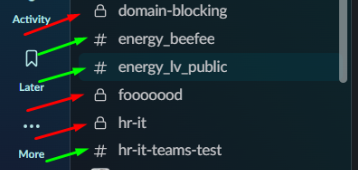
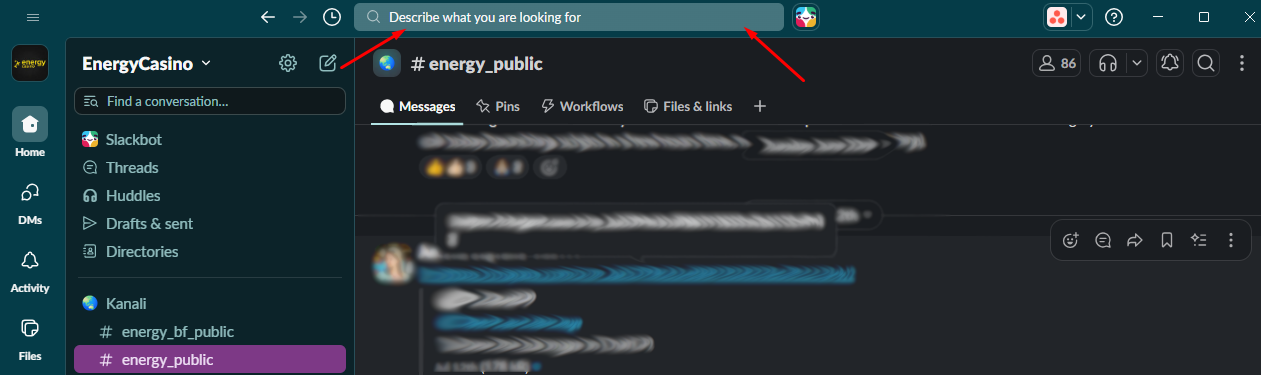
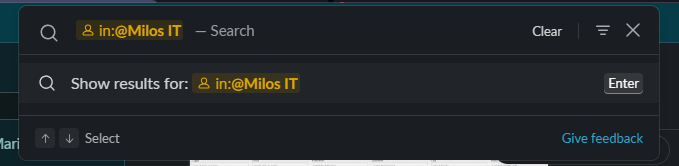
Public channels (marked with the hashtag) are open for anyone in the company to join and search, keeping communication transparent. You can find those channels if you search for the name in the Slack search bar
Private channels (marked with a lock icon) are invite-only, reserved for sensitive discussions or specific project teams. Cannot be found unless you are a member of that channel
@here tag
@name tag
Examples
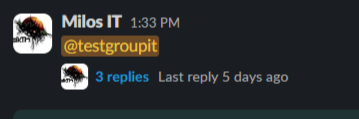
Image below indicates a tag/mention that includes you. In this case, @testgroupit is a user group that you belong to. Because you are a member of this group
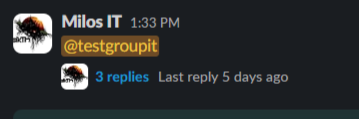
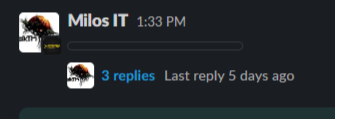
This indicates a tag/mention of a person, channel, or user group that does not include you. It appears dark or greyed-out (and is simply treated as a hyperlink for reference) because you are not the target of the mention, meaning you will not receive a notification badge for it.
Search: Slack acts as a searchable archive. The search bar at the top allows you to quickly find past conversations, shared files, and links using keywords or filters (like from:@username or in:#channel-name), meaning you rarely have to ask "where did we put that file?"
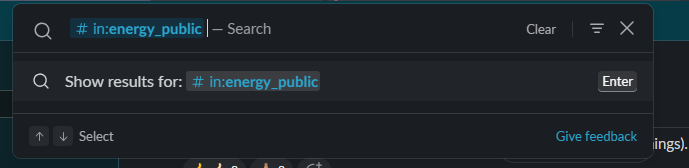
You can also search inside the particular channel or conversation
Pulseway
Pulseway
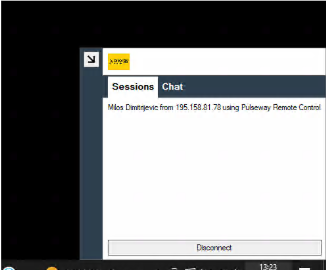
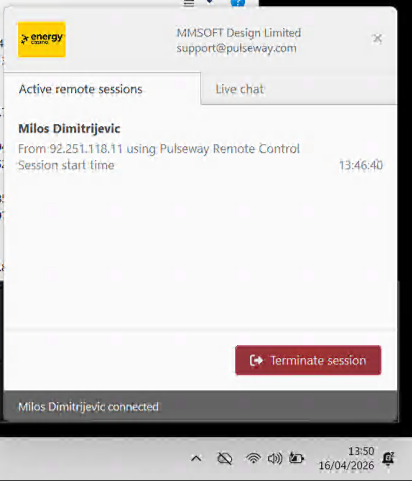
Pulseway is our central IT systems management platform used by the admin team (Milos with plan to expand to some members of BF ITOPS team) for secure remote control, troubleshooting, and direct technical support on company hardware. It allows IT admins to diagnose system issues behind the scenes and deploy targeted scripts or automatic remediations (quick fixes) directly to individual devices without affecting the rest of the company.
VPN
Virtual Private Networks (VPNs)
We use different VPN services depending on the task to ensure secure connections and to protect sensitive data:
OpenVPN: This is our primary, enterprise-level secure gateway used to connect directly and securely to our private company network and internal servers. It ensures that only authorized devices can access our core infrastructure from remote locations. At the moment we are served with 3 separate OpenVPN infrastructures, two of them being Malta related and maintained and one provided and maintained by BeeFee
Instructions regarding everything there is to know about primary OpenVPN for Malta can be found in section called New OpenVPN connection from the home page.
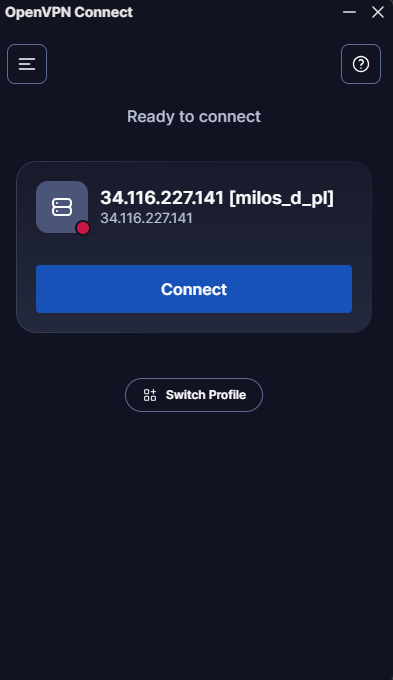
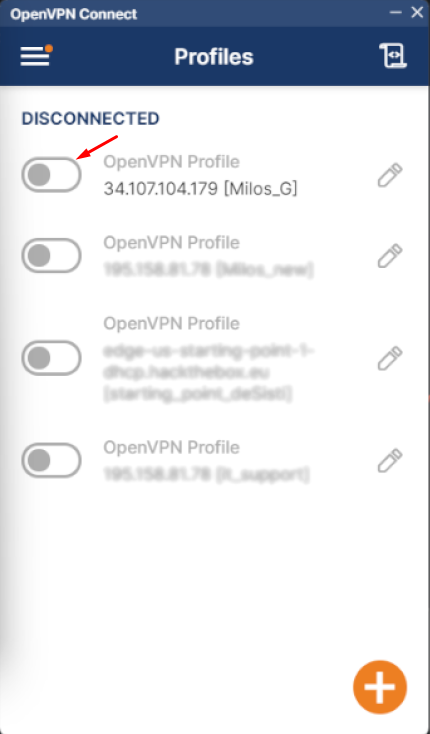
Some users still use and have access to legacy OpenVPN connection. New users will not be added any more (or will be under special circumstances - users needed access on the private mobile phones). The connection window for it looks like this (depending on the version). Connecting and disconnecting is done by clicking on the button (newer version on the left) or on the slider (older version on the right).
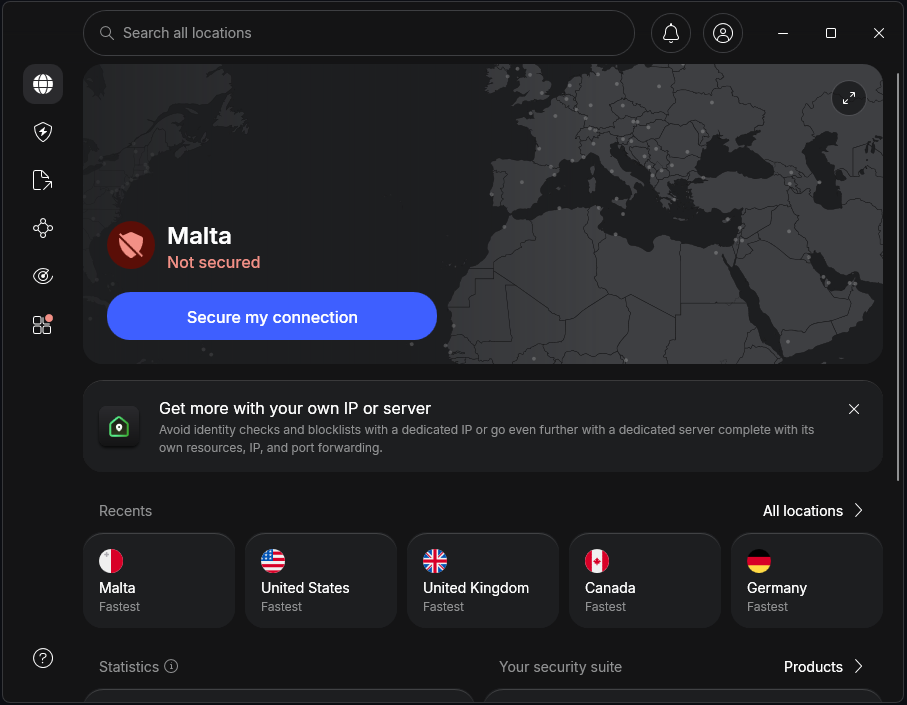
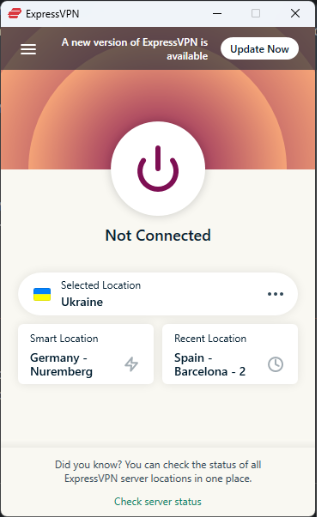
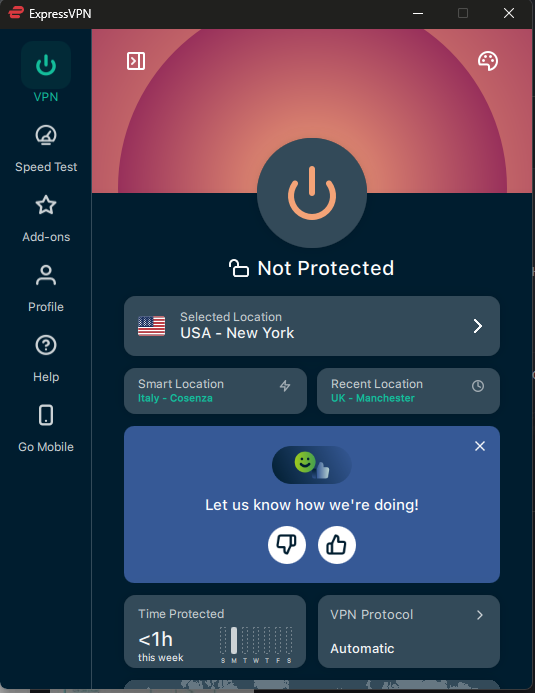
ExpressVPN: A high-speed, consumer-grade VPN used by our teams primarily for testing geo-specific features, accessing region-locked resources, or securing internet traffic on public Wi-Fi networks during business travel. Licenses are given based on the need and to get one team lead or manager needs to request one sending a request on tickets@energycasino.com
NordVPN: A highly secure, secondary VPN service utilized for global IP testing, secure research, and ensuring a redundant, encrypted connection when working outside of the office. Its doing the same things as ExpressVPN is doing and to get the access same rules apply as for ExpressVPN - request from manager or team lead sent to tickets@energycasino.com